
evaluating the eBay home page website
Like any architecture, websites should pay attention to accessibility by removing any obstacle preventing users from accessing the page’s content. Currently, web developers have many instruments at hand to check their projects. The Wave, for example, is an excellent tool to check accessibility issues hidden even in unsuspicious mainstream web pages.
Errors and Alerts
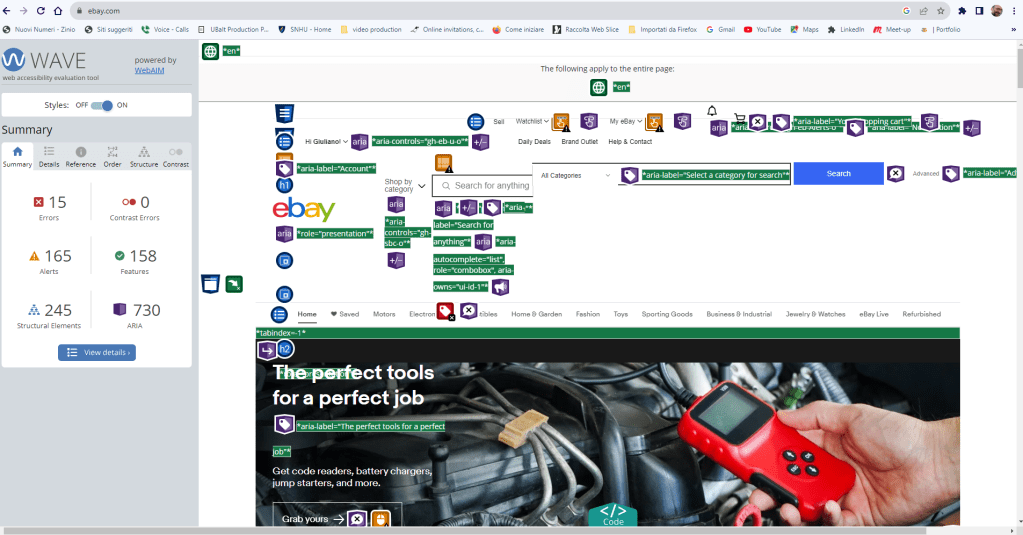
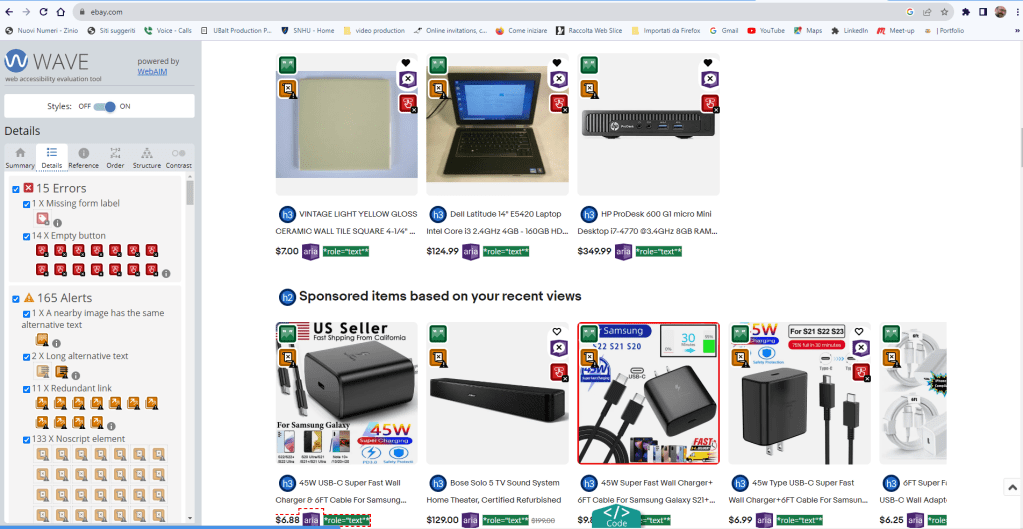
eBay is probably one of the most clicked online stores worldwide, and it surprised me to see how the Wave evaluation revealed 15 errors and 165 alerts on its home page. Here, I am going to analyze a few errors as many repeat themselves, and how we might fix them.
Empty button
<button class=”btn btn–icon btn–tertiary” data-ebayui=”” type=”button”>
This error indicates that the button has no value text or is empty, which is an issue since descriptive text must be present to allow users using a screen reader to understand the button’s function.
How to fix it
To resolve the problem, just place text content within the <button> element or give the <input> element a value attribute (WAVE reference).
Missing form label
<input style=”display: none;”>
The error refers to a missing label in a form control, which may prevent users using a screen reader from getting the proper association between that form control and its function.
How to fix it
Whenever a text label for a form is visible it should use the <label> element to associate it with its respective from control. If the label is not visible, either use a descriptive title attribute to the form control, add an associated label, or refer labels by using aria-lvelledby. For image, submit, reset, button, or hidden from controls, labels are not required (WAVE reference).
<label for=”name”>Name:</label>
<input id=”name” type=”text” autocomplete=”name”>
Same alterantive text
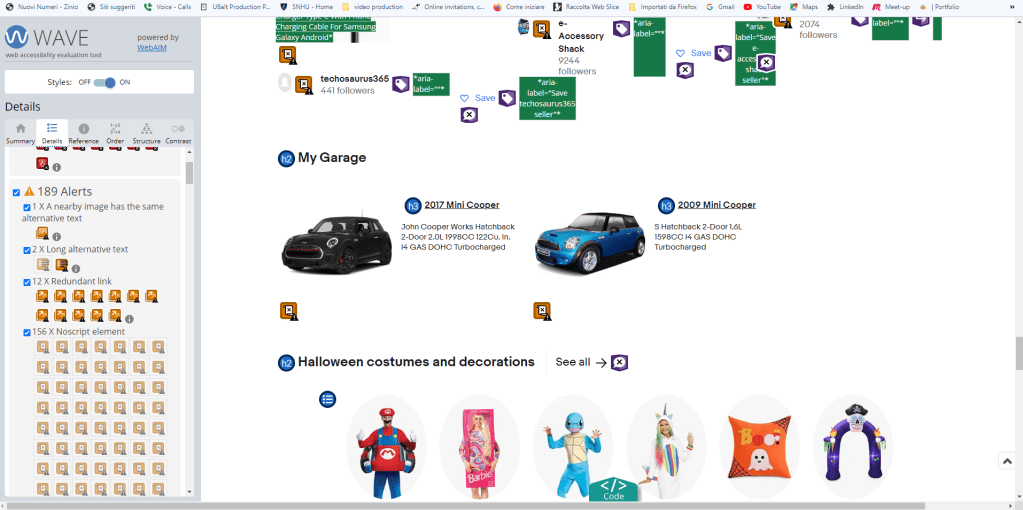
In this case, the Wave evaluation alerts that adjacent images with the exact alternative text may cause redundancy and confusion.
How to fix it
Ensure that alternative texts for each image adequately describe the content. In case of nearby images with alternative text coneying same content, or images without content, the image should be given empty/null alternative text (alt=””). Image buttons never can held null alternative text since they convey specific funtions (WAVE reference).
Conclusion
Web developers must create inclusive and accessible websites allowing all users to accede their content besides their different abilities. Thanks to a simple Wave evalutation I see how many digital barrers still affect our virtual space and make difficult or sometimes impossible to access websites’ content for many.
The fact we do not see those barrers it doesn’t mean that they do not exist. A more attentive to accessibility coding mindset it is required to any webdeveloper that want the Web space be a positive experience for all.
 Giuliano Gargiulo's Blog
Leave a comment